 Documentation
myMetaCentrum
myMetaCentrum is a web service with live data about the jobs, queues and machines’ state.
myMetacentrum is especially useful to retireve information about:
- your running/queing jobs and their states,
- status of computing nodes,
- queues and their properties,
- storage spaces and quotas,
- cloud projects.
Moreover, an interactive PBS parameter selection tool (shortly as qsub assembler) can be found under the Qsub assembler tab.
Qsub assembler
Qsub assembler is an online tool to setup syntactically correct qsub commands.
Apart from obtaining the command, users can see which machines match to their selection criteria and how busy the nodes are at the moment.
Example: I want to setup qsub command for 1-GPU job.
Use the rolldown menu to select the required parameters:
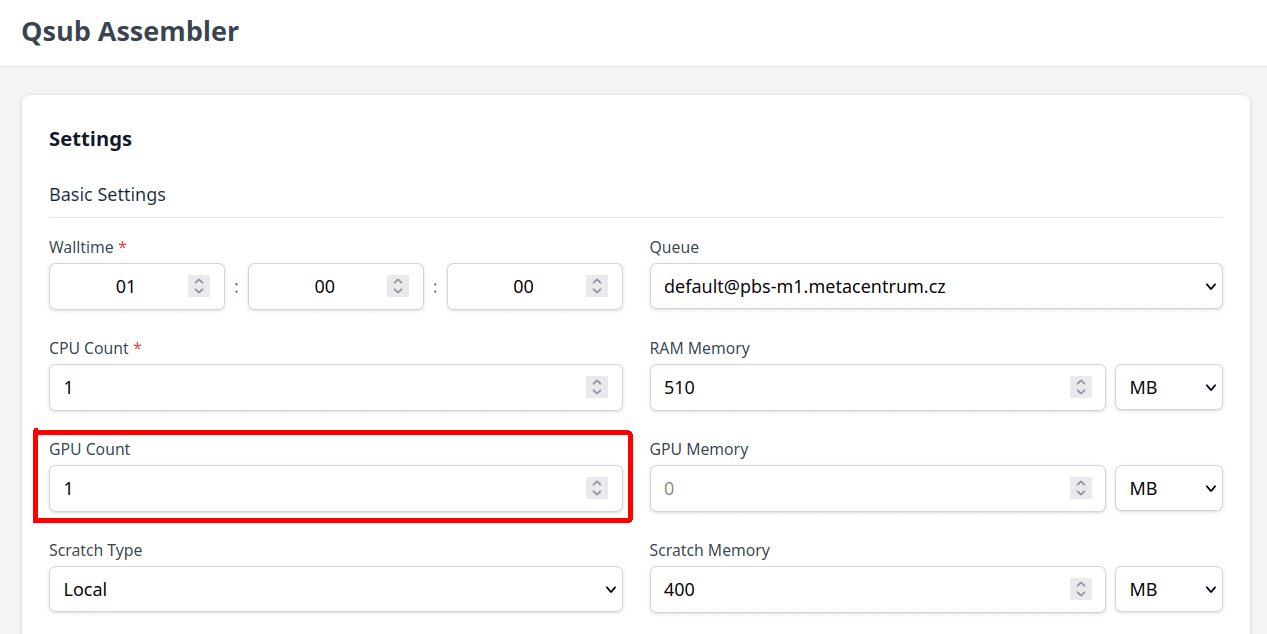
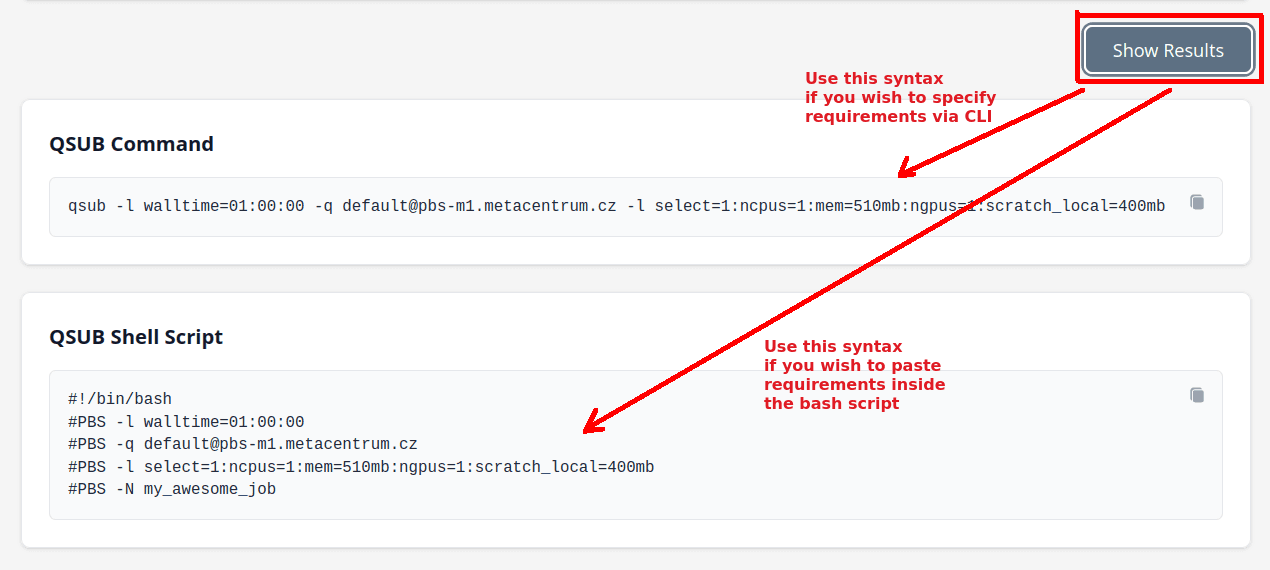
You will get qsub command parameters in both forms, one for pasting into CLI, another for pasting inside the bash script:
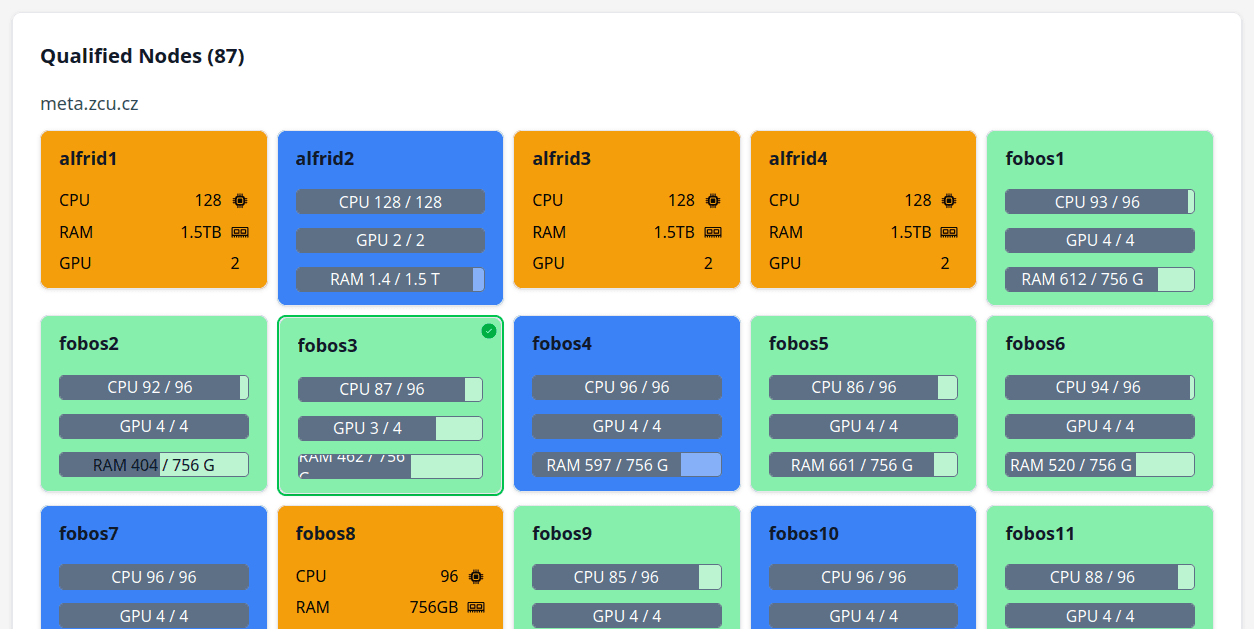
Additionally you can see the list of machines that comply to the criteria:
Machines
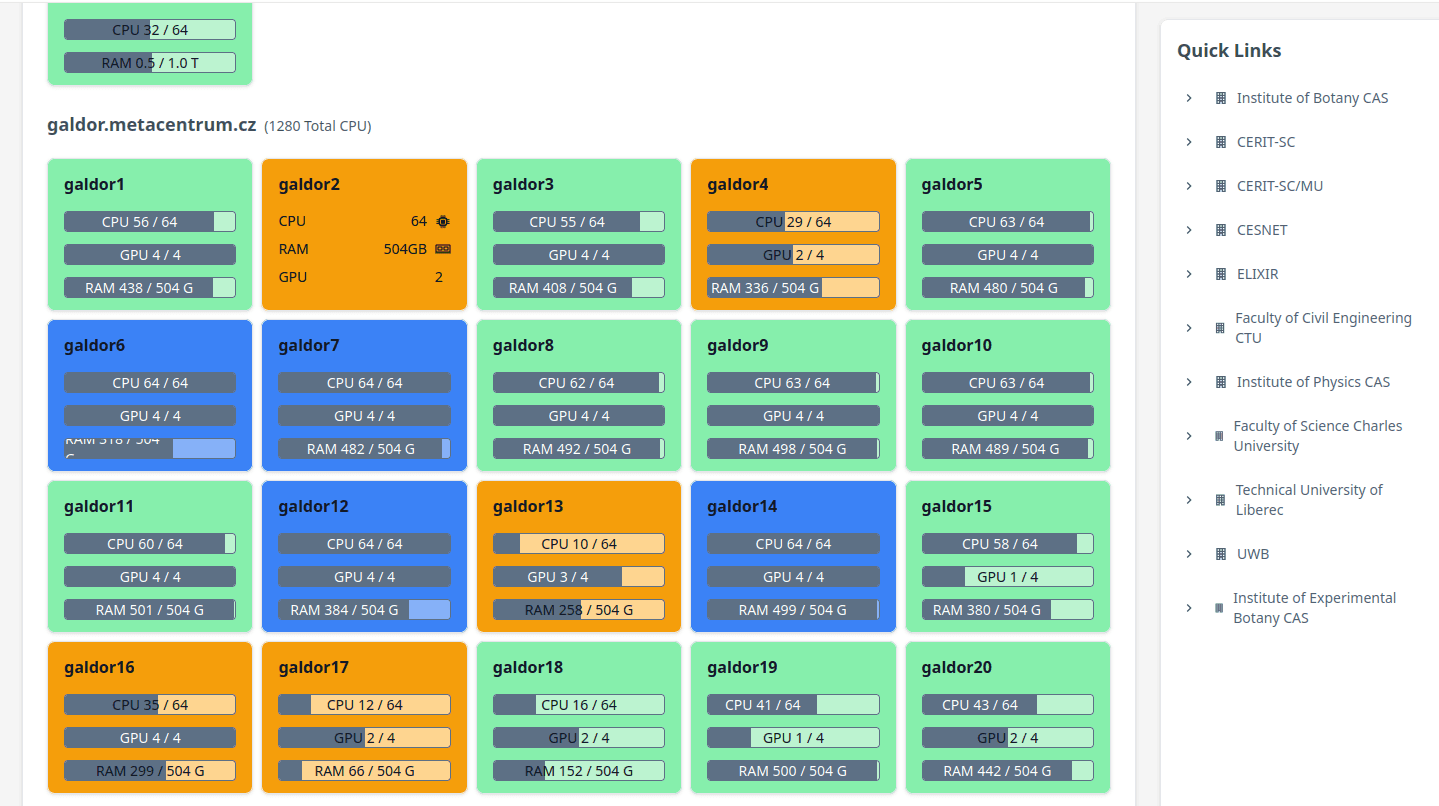
You can browse, list and inspect machine properties.
The Quick links sidebar on the right groups machines according to their owner institution.
Storage spaces
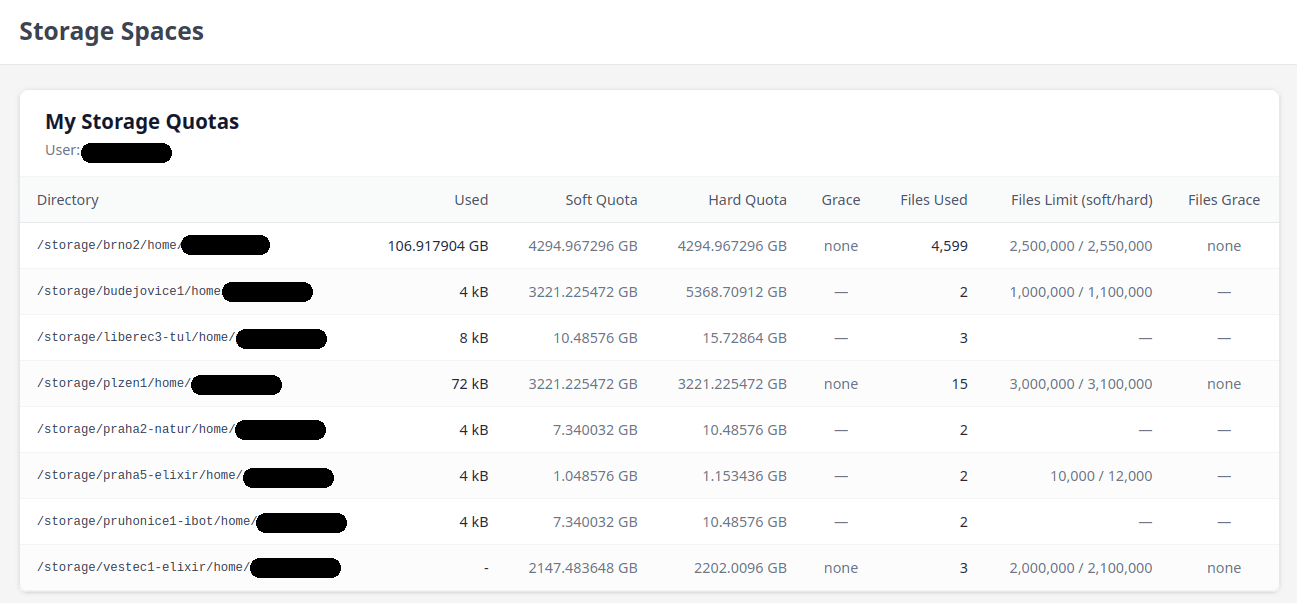
In the Storage space section, you will find overview of your quotas in all homes,
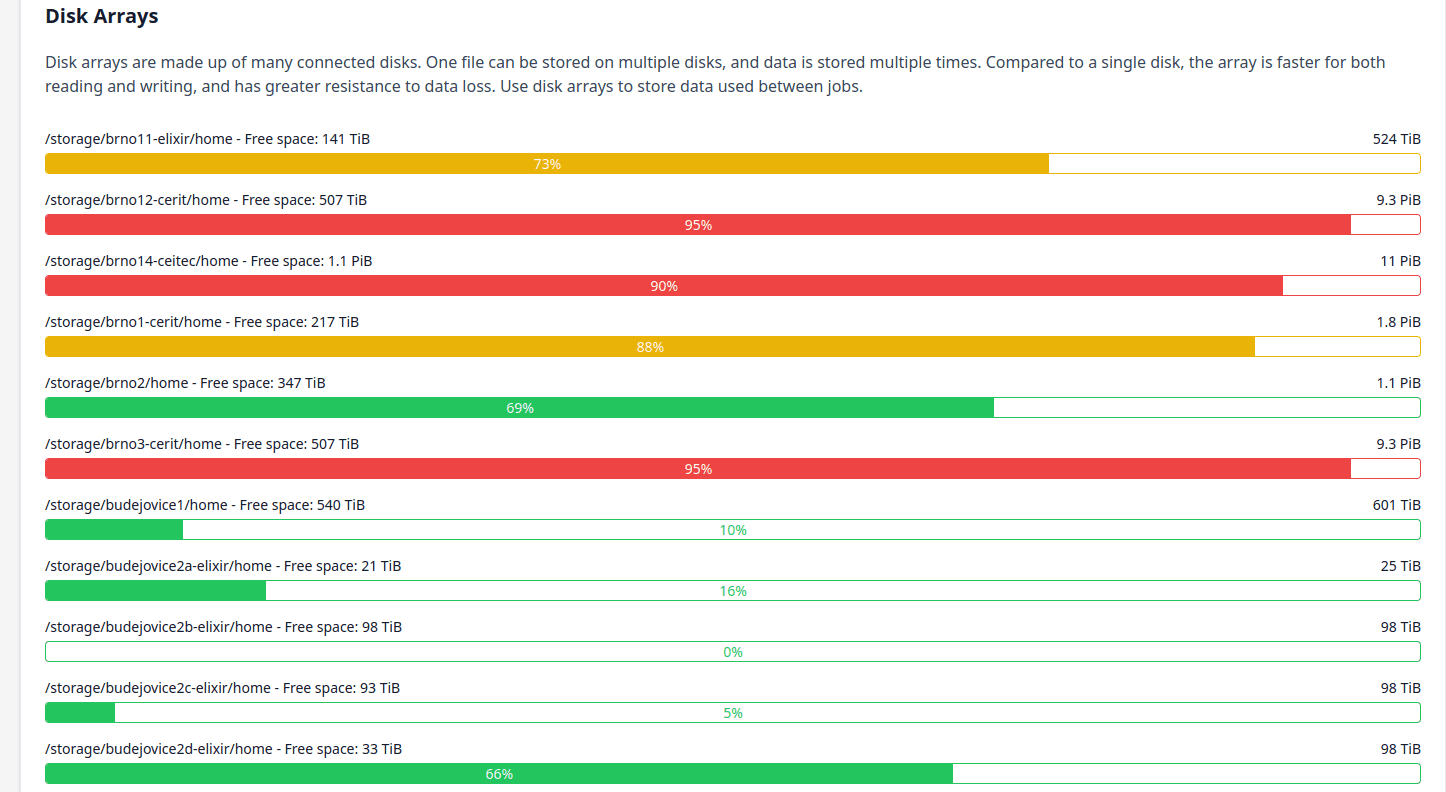
as well as of how much free space in total remains on /storage discs.
Cloud projects
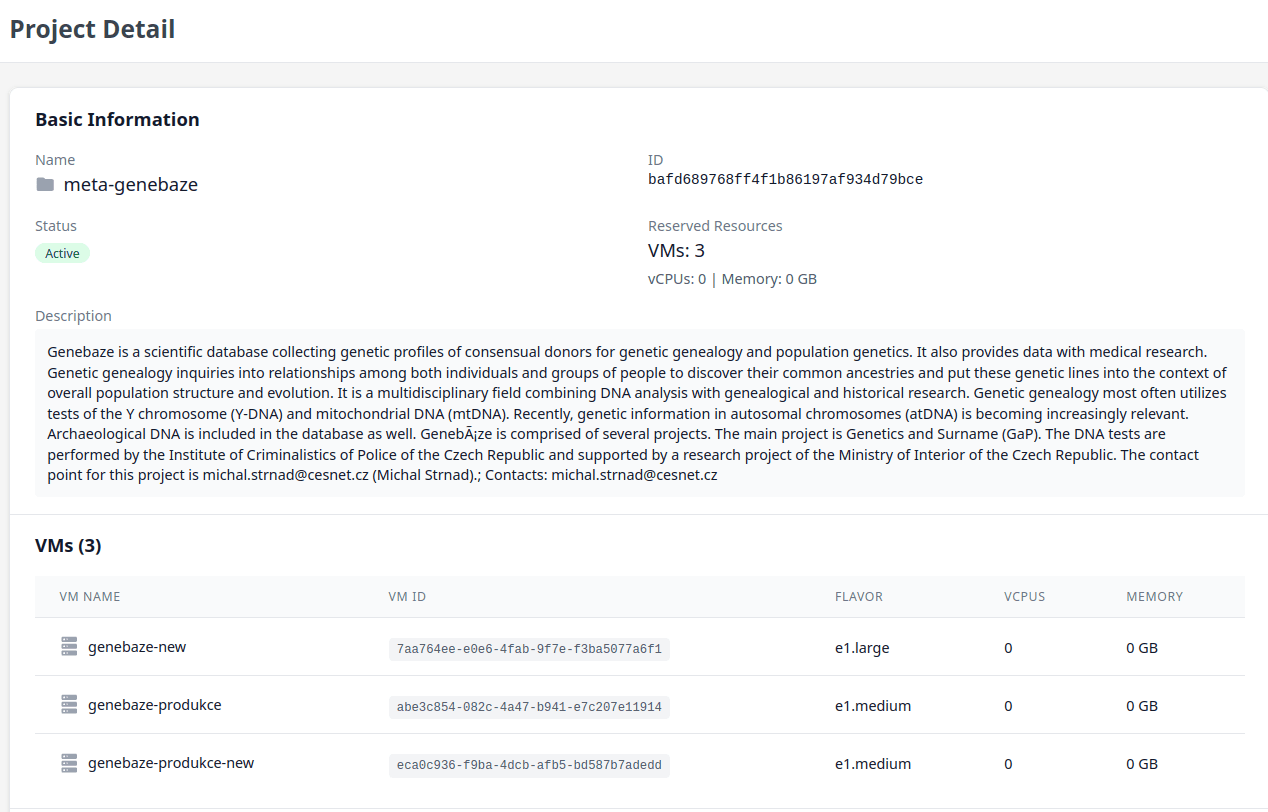
myMetaCentrum serves also a list of your projects in cloud and provides a detailed page for each project:
Queues
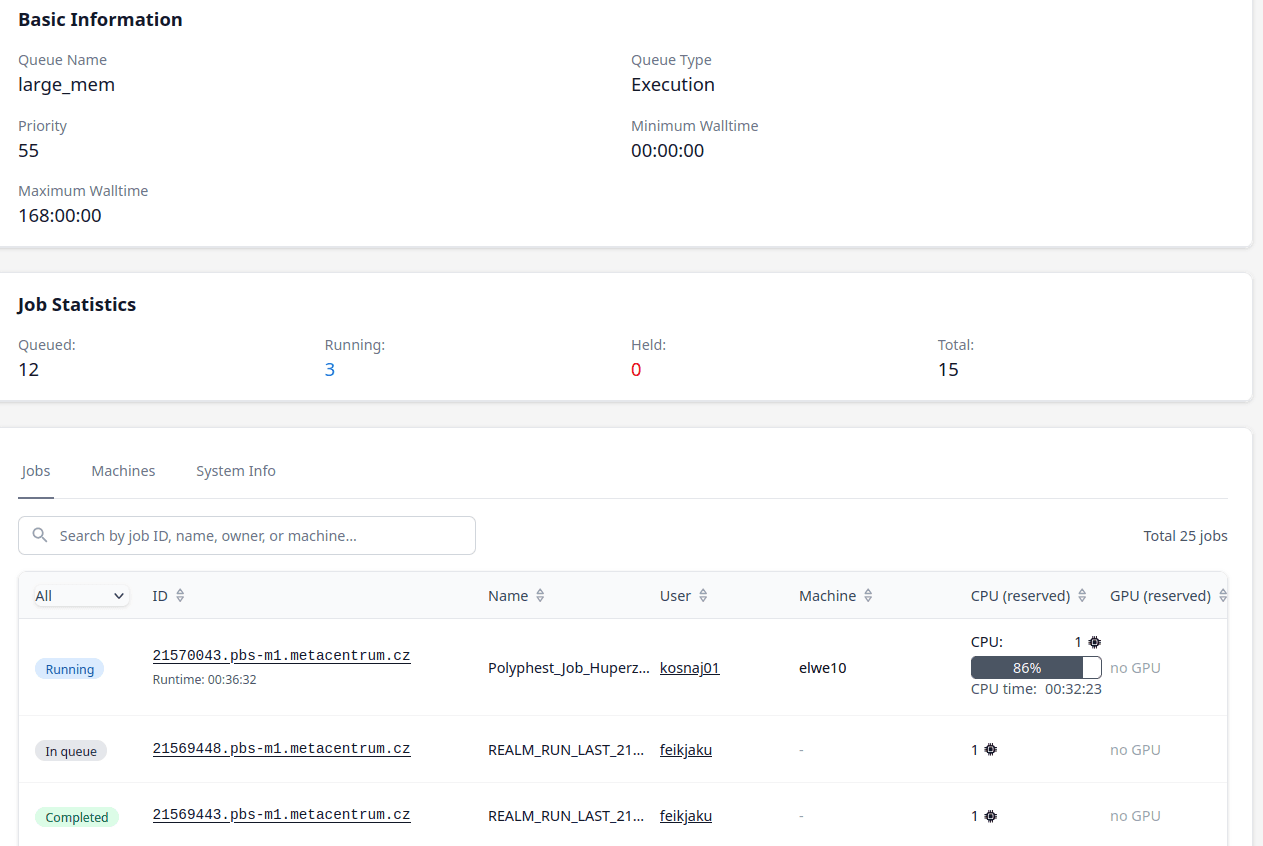
Under the Queues tab, you can list all the queues.
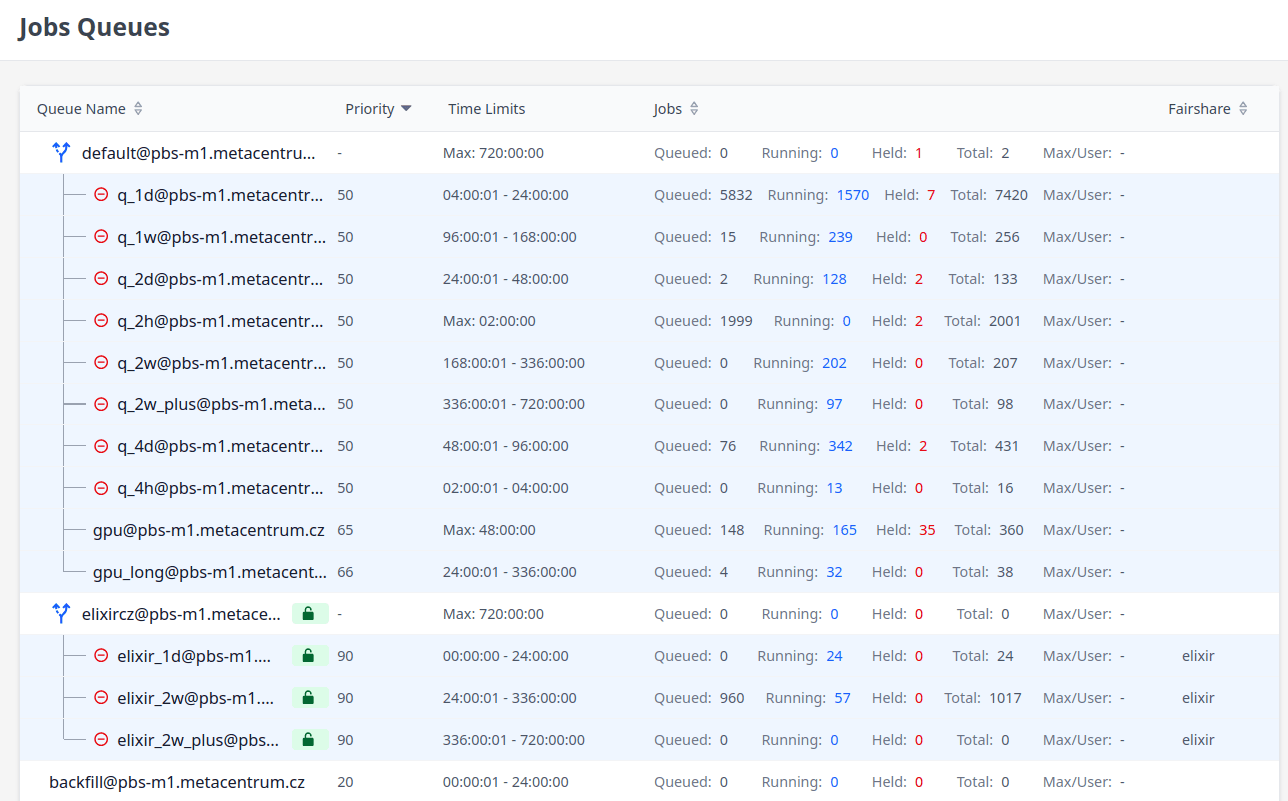
In the detailed page, you can see e.g. how many jobs are waiting to be run in that particular queue.
Jobs
See the My jobs tab to get list of your jobs
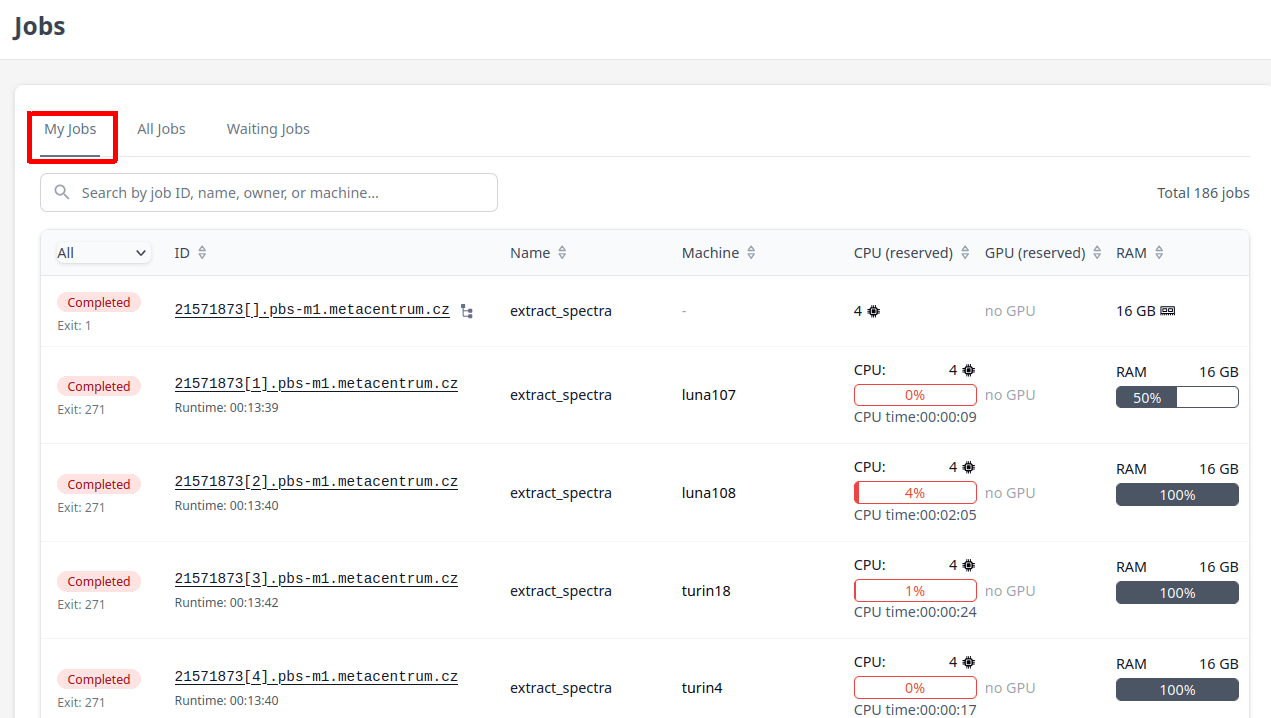
If you select All jobs, you will get list of all jobs currently runnig or waiting in MetaCentrum. most of them will have “Anonym” as a user and job name. this only means that due to GDPR you cannot view the real user and job name.
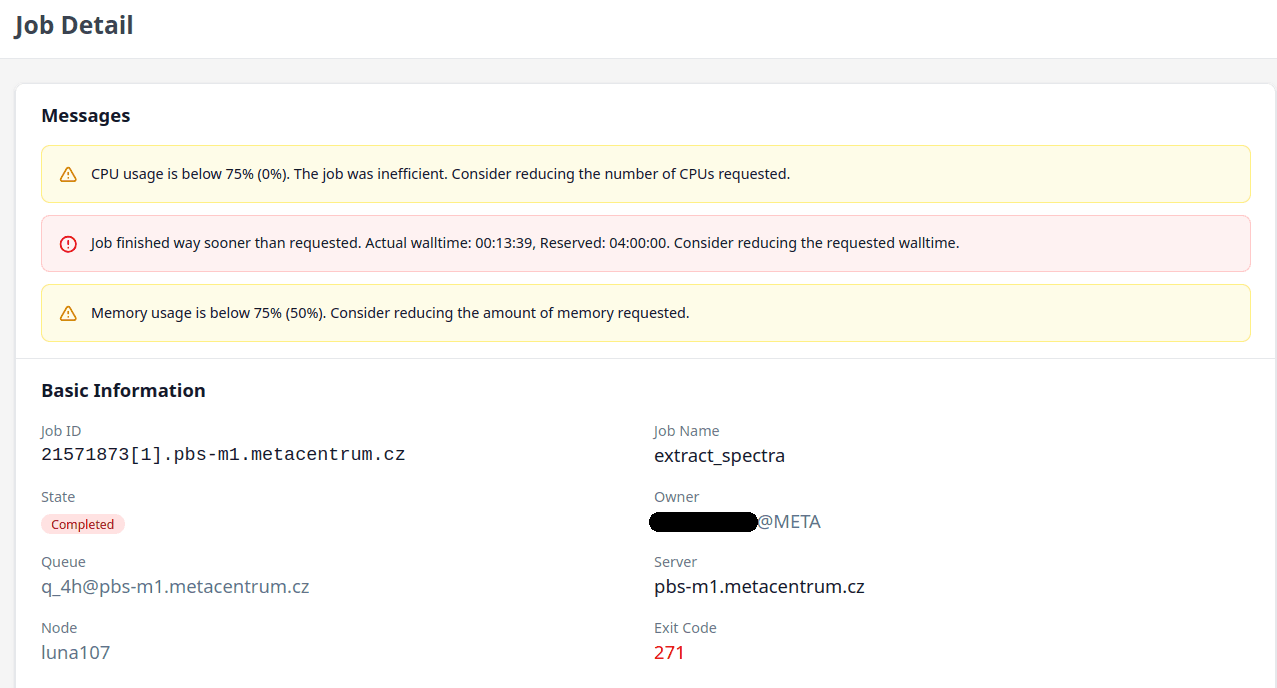
For a selected job, you can see various details incl how efficient it was
Users
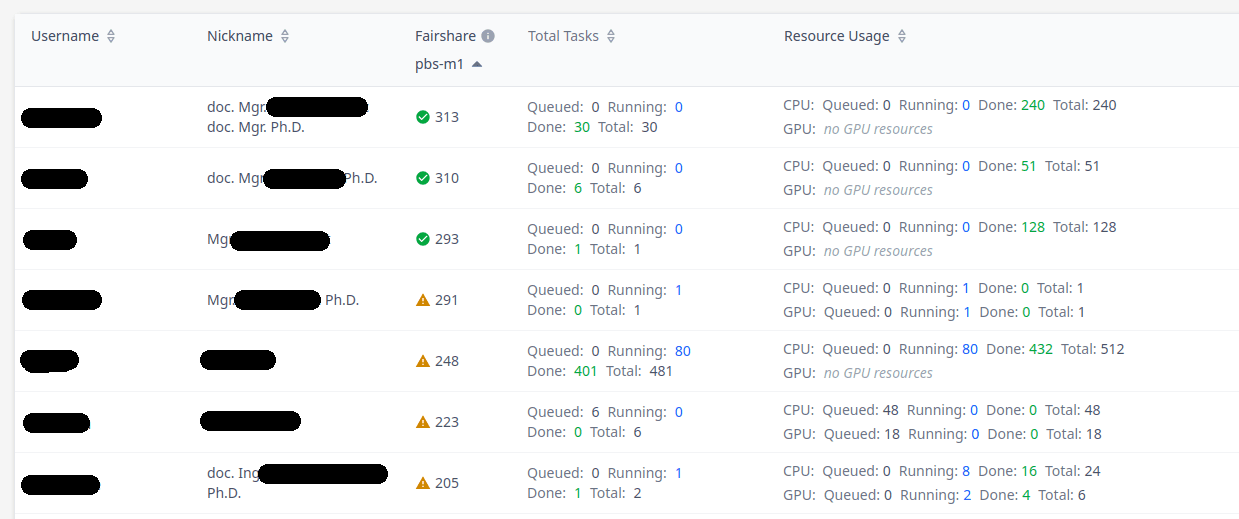
Under the Users tab, you can list all users that you share an UNIX group with - in other words, your collaborators.
Groups
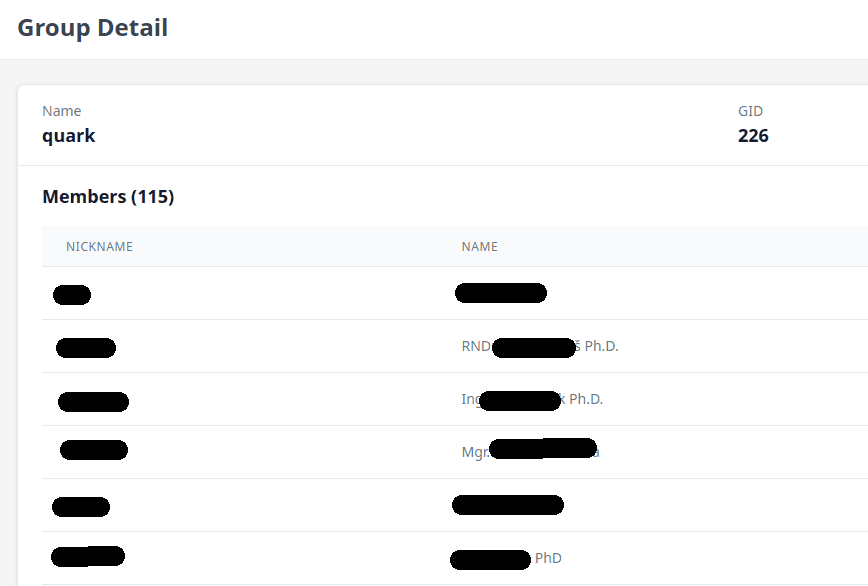
Similarly, under the Groups tab, you can list all groups you are a member of.
Last updated on